

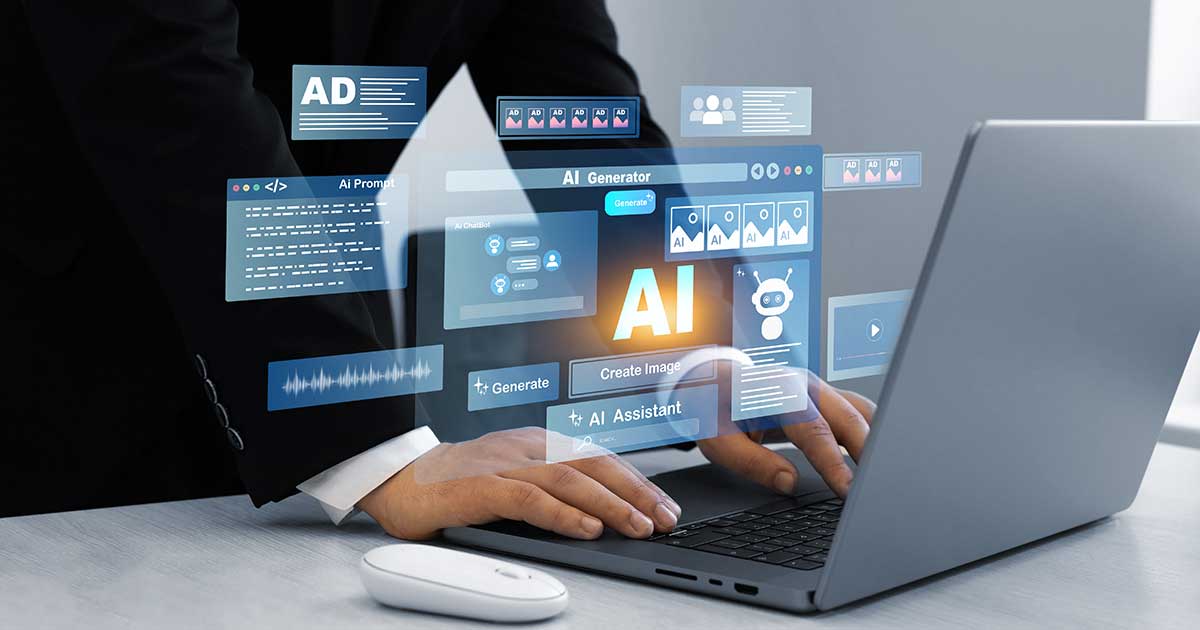
There is a lot of discussion about the importance of human values and human work as AI becomes ubiquitous. These conversations are important, and I wholeheartedly agree, but I’ve also been struggling to develop practical ways of implementing these ideas.
When I attended Terri Turner’s presentation at the Association for Talent Development—Kansas City Fall Conference, she mentioned that she uses a checklist before signing off on anything AI creates. I was so pleased to see such a practical way of keeping humans front and center in the work.
In practice, a repeatable AI review checklist for special librarians can help you move faster while protecting quality, credibility, and trust—especially when you’re drafting, summarizing, researching, or creating public-facing content.
Turner also said she shares the checklist with clients to ensure they know that, yes, she will use AI, but ultimately she remains responsible for the final work. She did not share what was on her list. Personally, I think there are a few items that should be on everyone’s list, with additional specialized checks based on context.
A Baseline Checklist for Any AI-Generated Output
Let’s start by thinking about what should be on every checklist:
- Factual accuracy
- Relevance of content to need
- Currency of information, or an appropriate timeframe for needed information
- Appropriate format
- Appropriate tone
Then, let’s consider what could be on a list for special librarians (though these may also be relevant to others’ lists):
- Does the output align with the information needed?
- Is the output free from bias?
- Have I checked other sources to ensure nothing is missing?
An Example AI Prompt
Turner shared that she had asked AI to help her create her list, so as an exercise to see what AI might tell me to add to such a checklist, I put in the following prompt to ChatGPT:
Prompt: I am a special librarian who plans to use you as an AI assistant to support my professional work. You will help me draft, analyze, summarize, and create materials related to librarianship, research, information literacy, technology integration, and related administrative or outreach tasks. However, I want to ensure that I remain the expert and decision-maker in all final products. What should I review each time I use ChatGPT’s output?
Note: I’m sharing the checklist output below largely as-is on purpose, because seeing the raw AI draft makes it easier to spot what still needs human review and professional judgment.
Example Output: An AI-generated Checklist
It provided me with the following:
Reviewing ChatGPT’s Work: A Checklist for Special Librarians
As a special librarian using ChatGPT to support your professional work—drafting, analyzing, summarizing, or creating materials—you remain the expert, evaluator, and final decision-maker. Each time you use AI-generated output, review it for the following:
1. Accuracy and Factual Integrity
- Verify all facts, data, and statistics.
- Confirm that named databases, journals, standards (e.g., ACRL, MARC, Dublin Core), and organizations are real and correctly represented.
- Check that procedural descriptions reflect current practice and not outdated or generalized assumptions.
2. Authority and Source Credibility
- Ensure cited authors, institutions, or documents are reputable and relevant.
- Replace general web-based claims with authoritative library or academic sources.
- Confirm that any references or URLs lead to legitimate, trustworthy content.
3. Context and Institutional Relevance
- Adapt general suggestions to fit your specific library type, mission, and user community.
- Align AI-generated policies, workflows, or examples with your institution’s actual systems and culture.
- Adjust terminology to reflect your professional context (e.g., collection management vs. resource acquisition).
4. Copyright, Licensing, and Ethical Use
- Confirm that all suggested materials comply with copyright, license, or Creative Commons terms.
- Evaluate whether any AI-generated content is appropriate for public sharing or reuse.
- Ensure that attribution practices follow your institution’s policies and professional ethics.
5. Professional Tone and Style
- Revise the tone to match your intended audience (faculty, patrons, administrators, or partners).
- Ensure clarity, conciseness, and inclusivity in language.
- Remove bias, jargon, or subjective language that doesn’t reflect professional neutrality.
6. Completeness and Practicality
- Check that key details—names, links, contact info, timelines—are present and correct.
- Ensure recommendations are realistic and feasible for your specific environment.
- Add or remove sections to better align with your goals or project scope.
7. Citation and Metadata Accuracy
- Verify all citations and metadata (authors, titles, publication dates, DOIs) for accuracy and formatting.
- Ensure citation styles (APA, Chicago, MLA, etc.) are consistent with institutional or disciplinary standards.
- Review any sample metadata (MARC, Dublin Core) for correct structure and syntax.
8. Bias, Representation, and Equity
- Look for implicit bias or incomplete representation in examples or narratives.
- Add context or alternative perspectives when needed.
- Ensure inclusive and equitable framing of users, collections, and communities.
9. Policy and Compliance Alignment
- Confirm that any suggested actions comply with institutional policies, privacy regulations, and vendor agreements.
- Review for accessibility and data protection considerations.
- Ensure recommendations support—not contradict—library and organizational values.
10. Professional Judgment
- Remember that ChatGPT can provide strong drafts and structured ideas—but cannot replace your expertise.
- Apply your professional reasoning to refine, contextualize, and finalize all outputs before dissemination.
How to Apply this Checklist to Your Real-World Workflow
This output was admittedly more detailed than what I originally developed, and it is a great place to start a conversation about what should be added to your own checklist.
Here’s a simple way to put it into practice:
- Use AI for a specific task (e.g., draft an email, generate a first draft, or summarize a report).
- Review the output using the checklist. Focus on checklist items that match the stakes (public-facing, policy-related, sensitive topics, etc.).
- Document your sources and decisions for anything you publish or share widely.
I hope you use this idea to develop your own checklists to ensure you maintain oversight of AI work—and that the oversight you provide is clear for all those you work with.
Frequently Asked Questions (FAQs)
What should special librarians always verify in AI-generated outputs?
At a minimum, verify factual accuracy, source credibility, and currency. For higher-stakes work (public-facing, policy-related, or sensitive topics), verify copyright/licensing, bias, and privacy/compliance before sharing.
Can I trust citations or links generated by ChatGPT?
Treat AI-provided citations as starting points, not proof. Confirm that each citation is real, correctly attributed (author/title/date/DOI), and leads to a legitimate source you would be comfortable citing in your own work.
When should I avoid using AI to minimize risk?
Use extra caution (or avoid AI entirely) for any work involving user privacy, personnel matters, legal/licensing interpretation, or high-stakes institutional communications. If the output could create risk, do a deeper verification pass and document your sources.
How do I check AI output for bias in a library context?
Look for assumptions, missing perspectives, and loaded language. For sensitive topics, compare against authoritative sources (policies, standards, or reputable references), and add context or alternative viewpoints to ensure fair and accurate framing.




0 Comments