


A repository holds scanned photographs, digitized manuscripts, born-digital correspondence, audio and video files, websites, databases, social media captures, and files created through organizational or creative work. Each type of material creates its own management requirements. Archives need to know what those files are, where they came from, what they relate to, who can access them, what rights apply, and how they connect to the physical materials that produced them. As holdings grow, an archival collections management system (CMS) provides the structure needed to bring this information together.
More Than Files
A file name alone provides limited insight into a digital object’s archival significance. A file named IMG_2854.tif represents a scan of a photograph, yet the filename provides little or no context about the photographer, subject, date, collection, series, rights status, or location. Similarly, a Word document contains correspondence from an organizational record, but its filename provides limited context for understanding the document’s meaning and provenance.
Archives use metadata to describe that context. Metadata includes titles, dates, creators, formats, subjects, descriptions, identifiers, rights information, technical characteristics, and relationships to other records. A CMS provides structured fields for this information and connects it to the component that provides context. The result is a digital object that remains connected to the information needed to understand it.
Creating Questions
Born-digital materials enter archives in forms that challenge workflows. An accession contains thousands of files across folders. Email collections include attachments, correspondence threads, calendars, and contact information. A digital media collection may contain photographs, video, audio, design files, and project documentation. A website may exist across captures and formats.
The volume makes manual tracking difficult. A CMS provides a structured framework for recording information about these materials and connecting digital objects to their accession and collection records. It complements digital preservation infrastructure, storage, and processing tools by providing collection-level context and management information that helps staff understand what exists, where it belongs, and how the pieces relate to one another.
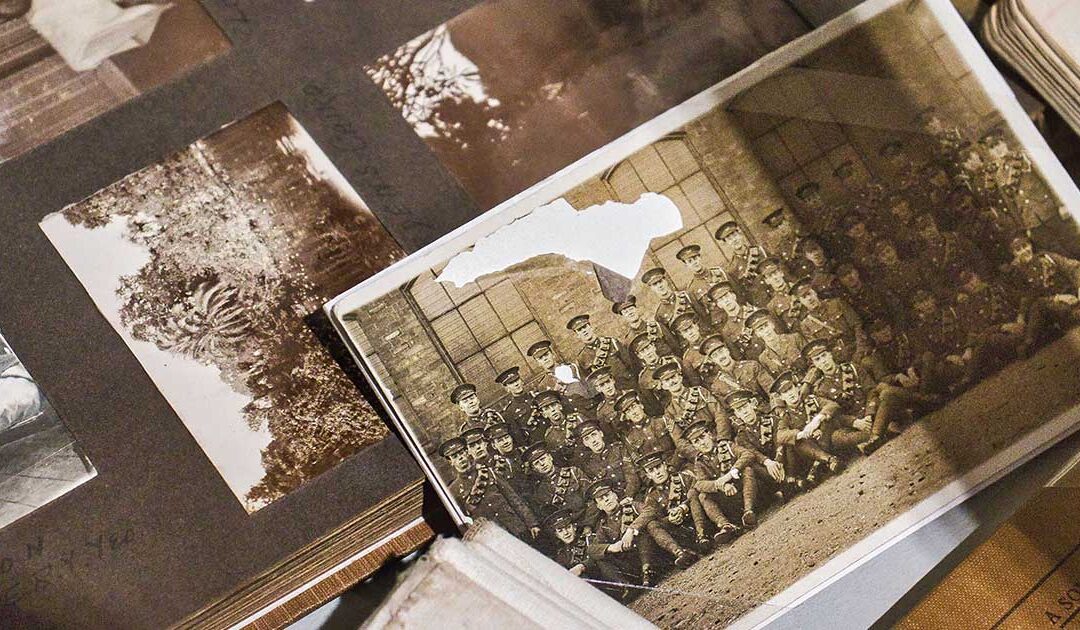
Digitization introduces a different relationship between physical and digital materials. When an archives scans a photograph, the resulting digital file serves as a surrogate for the original photograph. The physical object remains part of the collection, while the digital surrogate provides another way to access and use it. Maintaining a connection between the two preserves the relationship between the original and its digital representation.
A CMS links the digital object to the physical component from which it was created. Archivists identify the original photograph, its collection and series, its box or folder, and the associated digital file within the same descriptive environment. This relationship preserves provenance and context.
Metadata Needs a Home
Metadata becomes difficult to manage when it lives in separate spreadsheets, file names, databases, and digital repositories. An archives may have one spreadsheet for digitization, another for preservation, and a finding aid in a separate system. Staff may maintain technical metadata in one location and descriptive metadata in another.
Some separation between systems is appropriate, since preservation systems and digital repositories serve distinct functions. The challenge arises when staff struggle to connect information across those environments. A CMS serves as the descriptive layer that connects digital assets to their archival context. It records identifiers, relationships, descriptions, rights information, and other metadata while linking to the systems that store and preserve the files. An integrated environment allows each system to perform its intended function while working together to support collection management.
Rights and Access Matter
Digital access raises questions that differ from those associated with physical materials. A digital object carries copyright restrictions, privacy concerns, licensing requirements, or other conditions that shape how it can be accessed and used.
These conditions require documentation. A CMS associates rights and access information with collections, components, or digital objects, giving archivists a reliable source of information when making decisions about access, publication, exhibitions, or digitization. The system documents information needed to understand and manage rights, and staff apply it in practice.
Scale Changes the Problem
In a consulting engagement, I worked with a historical society that needed to procure a collections management system to support its holdings. Staff members and volunteers relied on spreadsheets to track digital files and their associated collection information, but this approach became difficult to maintain as the volume and complexity of the materials grew. The archives needed a more sustainable way to assign identifiers, maintain consistent metadata, document relationships between digital objects and their original collections, and manage the different files created for preservation and access. I helped frame the CMS procurement around these operational requirements, emphasizing the importance of preserving collection-level context as digital holdings expanded. The organization selected a system that could support its needs while accommodating growth, giving staff a structured way to manage digital materials.
Bringing Collections Together
One of the greatest benefits of a CMS is seeing relationships across formats. A collection may contain paper correspondence, photographs, audiovisual materials, websites, databases, and digitized surrogates. Treating each format as a separate universe fragments the collection.
A CMS connects materials across the collection. A photograph can be linked to its folder, the folder to a series, and the series to the collection, while a digital surrogate can remain connected to the original photograph and its preservation file through a unique identifier. These relationships preserve the collection’s intellectual structure even when its physical and digital materials reside in different storage environments.
Order Without Isolation
Digital collections require context. A CMS helps archives bring order to growing digital holdings by connecting files with the people, collections, activities, physical materials, rights, and descriptive information that give those files meaning.
A CMS complements digital preservation storage and tools by providing a management layer that helps staff understand what exists, where it belongs, and how it relates to the broader collection. As digital assets continue to grow, this structure becomes an important part of stewardship. A well-integrated environment keeps digital materials connected to the archival context that gives them meaning while supporting their management.




0 Comments