

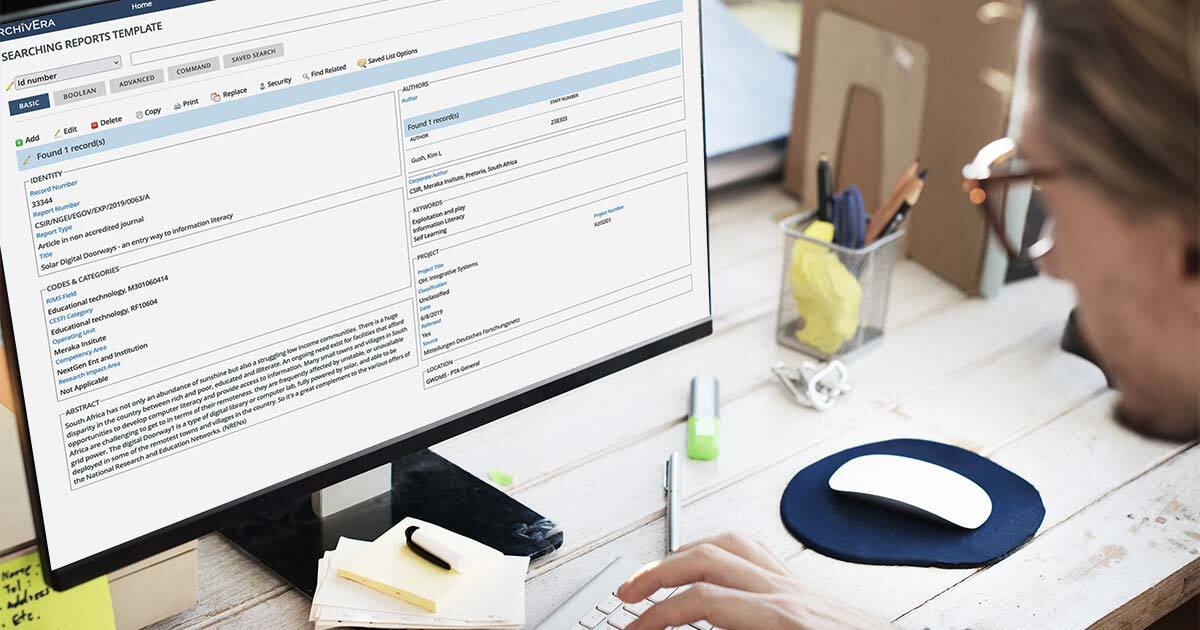
Your archival collections management system (CMS) should do more than store records. It needs to support the day-to-day work of accessioning, describing, managing, and sharing your collections.
Yet many archives run on a system that almost fits. Staff might keep a spreadsheet on the side to track what their system can’t, or spend time re-keying data that won’t import cleanly.
These workarounds (and the friction they create) are why evaluating a new archival system means looking beyond features alone. Features matter, but so does fit: how well does the software match your processing workflows, metadata practices, access rules, and reporting needs?
ArchivEra combines archives-specific functionality with configurable workflows, standards-based metadata, granular permissions, and customizable reporting—and archives staff can manage these routine processes themselves, without coding or ongoing developer support.
Why Does Workflow Fit Matter in Archival Software?
Workflow fit matters because software that aligns with your established processes can reduce workarounds, help staff work consistently, and accommodate changing requirements. In practice, fit shows up in three ways: how well the software matches your existing processes, your scale, and your plans for growth.
Support Your Existing Workflows
No two archives are exactly alike. Your processing steps, descriptive standards, and access policies have been shaped by years of professional judgment and institutional need. When software forces you to abandon established practices to accommodate its limitations, the result is workarounds, duplicated effort, and frustration.
Configuring the system around clear, consistent procedures makes it easier to train staff and volunteers and keep work moving forward.
Match Your Scale and Requirements
Workflow requirements vary with staffing and scale. Large or distributed archives may need consistency across departments, locations, and user groups, while smaller archives or lone arrangers might prioritize efficient administration, time-saving workflows, and affordability.
You can see both ends of that range in our examples from ArchivEra Success Stories: the solo archivist at the Center for the History of Family Medicine administers ArchivEra on their own, while the Daughters of Charity Provincial Archives used it to bring collections from multiple provinces and databases into one consistent system.
Adapt as Your Needs Grow
Choosing a configurable archival CMS can reduce the risk of outgrowing your system (and needing another migration down the road) as requirements change. As your holdings grow, born-digital and audiovisual formats arrive, standards evolve, and access expectations rise, ArchivEra lets you adjust fields, workflows, and user roles. Its API also provides options for integrating with other systems as needed.
How Can You Streamline Archival Workflows with ArchivEra?
ArchivEra supports configurable archival workflows in core areas that matter to your day-to-day work: collections processes, arrangement and description, metadata structures, and administrative control. It’s built to adapt to your archives rather than asking you to adapt to it.
Collections Processes
ArchivEra includes purpose-built workflows for common archival tasks: accessioning, deed-of-gift letters, and capturing, managing, and assigning research requests. It can also pull in data and assets automatically via an API.
Archives staff can configure ArchivEra around their established processing practices, so records move through the appropriate steps. For example, you can route every new accession through appraisal, rehousing, and description before it reaches the public portal, with each step configured to match your own procedures.
Arrangement and Description
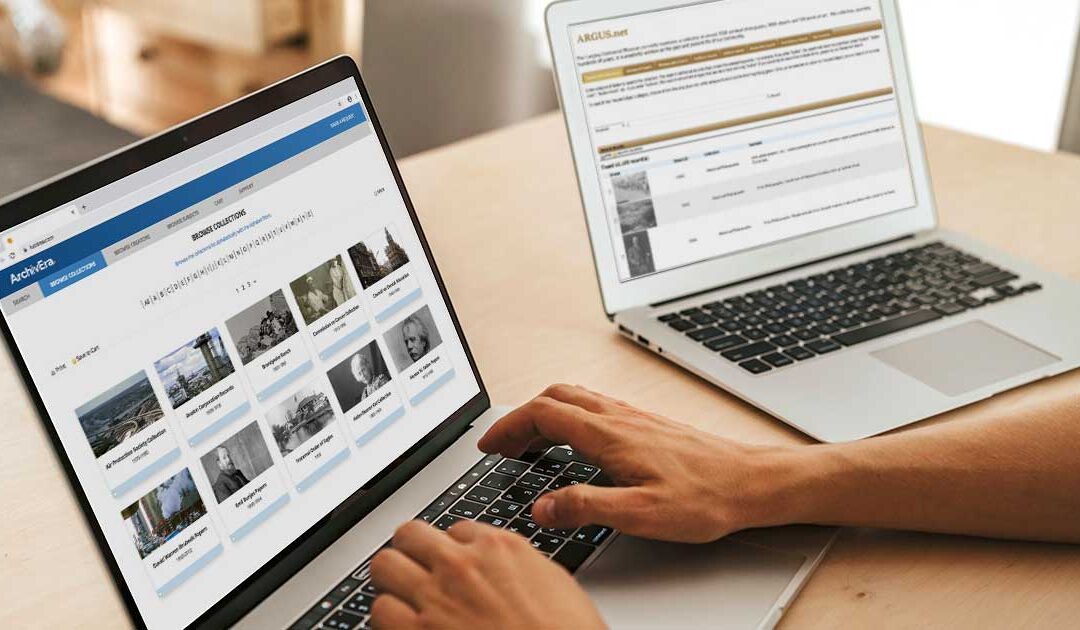
Archival value lives in context, so ArchivEra supports multilevel description. You can arrange records from the fonds level down through series, file, and item, preserving original order and the relationships that give a collection its meaning. Finding aids and researcher-facing displays help researchers navigate that structure, find what they’re looking for, and understand records in context.
Metadata Structures
ArchivEra supports archival description and metadata standards, including DACS, RAD, ISAD(G), Dublin Core, and EAD3. Archivists can also create unlimited custom fields to capture and display information relevant to their collections and communities. This flexibility helps teams apply their chosen standards while capturing collection-specific details.
Administrative Control
Authorized staff can set up processes, manage users, and build reports directly without help from IT or developers. This administrative control lets archives staff respond more quickly as requirements change.
How Can You Manage Permissions and Secure Access with ArchivEra?
With ArchivEra, you can manage access through granular, role-based permissions that restrict access to specific records or individual fields, so each user sees only what is appropriate for their role.
Full-time staff, volunteers, researchers, and the public each interact with your collections differently—and sensitive or restricted materials require tighter controls. For example, staff may need access to internal collection information, while researchers use the public portal to discover approved records. Record- and field-level permissions let you keep restricted information available only to authorized users.
As your team, your holdings, or your mandate evolve, you can adjust roles and permissions to match.
ArchivEra combines these access controls with secure hosting, TLS encryption, and SOC 2 Type II certification. Together, these measures help archives protect sensitive information while keeping approved collections accessible to the people who need them.
What Reporting Capabilities Does ArchivEra Provide?
ArchivEra provides operational reporting that gives archives staff visibility into the work behind their collections, not just the records themselves. You can view usage statistics, schedule reports to run automatically, export data to CSV, and review audit trails of user actions and changes.
Staff can build and customize reports around the information their archives tracks and the metrics stakeholders need. This reporting supports planning, accountability, and advocacy by making it simpler to show funders how many research requests your team handled last quarter or demonstrate to leadership how your holdings have grown.
For example, the Museum of Fine Arts, Houston uses ArchivEra to track reference requests, including their difficulty, fulfillment time, and which collections are being used. These records help the archives understand demand and demonstrate the work involved in serving researchers.
How Can You Evaluate Archival CMS Fit During Discovery?
The best way to gauge workflow fit is to bring your own requirements to the evaluation. Move beyond a standard demonstration by asking how the system will handle your workflows, user roles, sample records, and required outputs.
Questions worth asking during evaluation include:
- Does the system adapt to our existing workflows, or would we have to change how we work to fit it?
- Can authorized staff configure metadata fields, labels, and structures without developer help?
- How does it handle different levels of access for staff, volunteers, and researchers?
- Can we protect sensitive or restricted materials while keeping other collections discoverable?
- What reporting and export options are available for our internal, leadership, and funder needs?
- What print layouts, report formats, or output requirements can the system meet?
- Can our team administer the system without relying on IT?
- Will it scale as our collections and access demands grow?
- How will migration, data cleanup, testing, and validation be handled?
Clear answers to these questions tell you far more about long-term fit than a side-by-side feature comparison.
Choose an Archival CMS That Adapts to Your Requirements
When it comes to an archival CMS, you shouldn’t have to choose between features and flexibility. The right system combines comprehensive collections management, the flexibility to work the way your team already does, and the security to safeguard sensitive materials.
ArchivEra brings together configurable workflows, standards-based description, granular permissions, and operational reporting in a single system that archives staff can administer directly. With a CMS that maps to your established processes, your team spends less time on workarounds and can stay focused on managing collections and improving access.
Ready to optimize your archival workflows with ArchivEra? Request a walkthrough of ArchivEra focused on your workflows, permissions, reporting, and migration needs.




0 Comments